Aol Checker - Bulk AOL Account Availability Checker
A Windows desktop tool that checks @aol.com email accounts in bulk, classifying them as available or taken, with proxy support and fast result export.
📦 Choose a rental plan
🔢 Quantity
Aol Checker - Bulk AOL Account Availability Checker
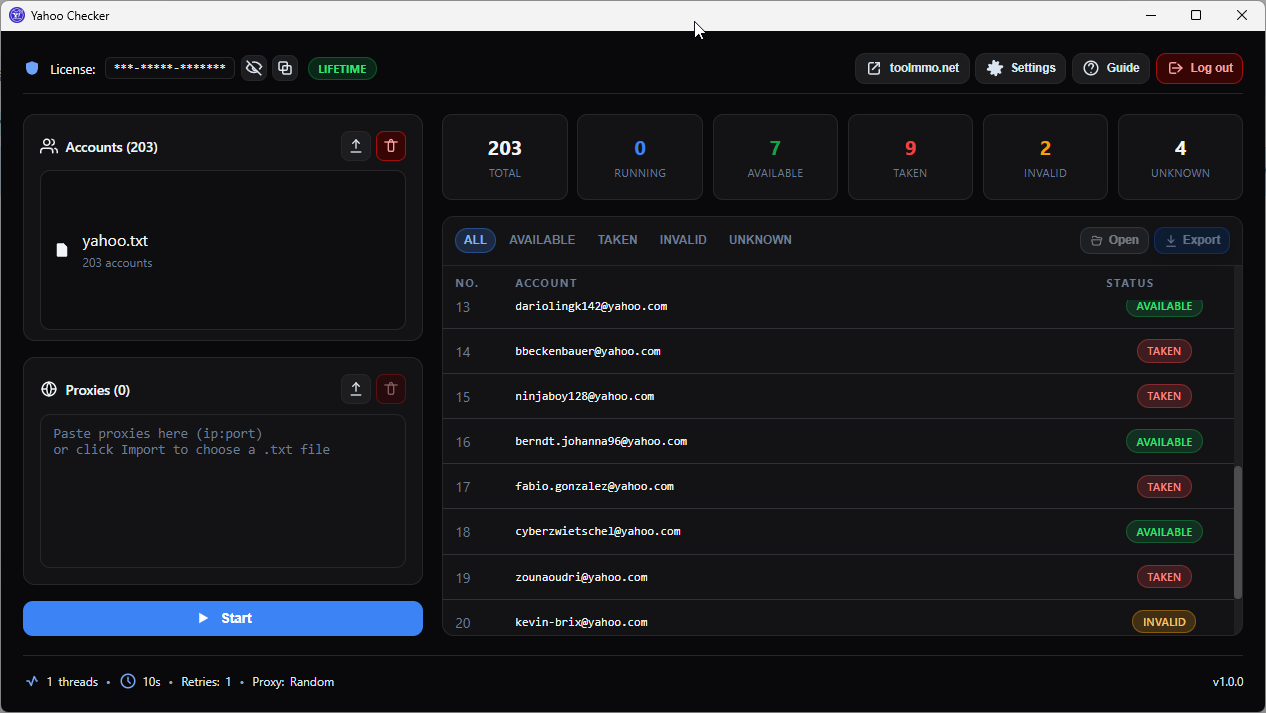
Aol Checker is a bulk email account verification tool designed for users who need to check large volumes of @aol.com addresses to determine whether they are still available for registration or already taken. Instead of checking accounts one by one on the AOL website, you simply import your list, configure proxies, and hit Start. The software automatically verifies and classifies each account by status: Available, Taken, Invalid, or Unknown.
With multi-threaded processing and proxy rotation, Aol Checker handles thousands of accounts efficiently without hitting AOL rate limits. You can pause and resume checking at any time, export results to TXT files by category, and manage multiple checking sessions from a single interface.
Key Features
- Bulk checking: Import account lists from TXT files or paste directly, check hundreds or thousands of accounts at once.
- Automatic classification: Each account is categorized as Available (unregistered), Taken (already registered), Invalid (bad format), or Unknown (error).
- Flexible proxy support: Enter proxies in multiple formats (ip:port, ip:port:user:pass, socks5://), rotate randomly or sequentially to avoid blocks.
- Multi-threaded: Run multiple checks in parallel, adjust thread count to match your machine and proxy capacity.
- Pause and resume: Pause/resume checking anytime without losing existing results.
- Category-based export: Export separate files for Available, Taken, Invalid, Unknown, or all results combined.
- Duplicate skipping: Automatically removes duplicate accounts before checking.
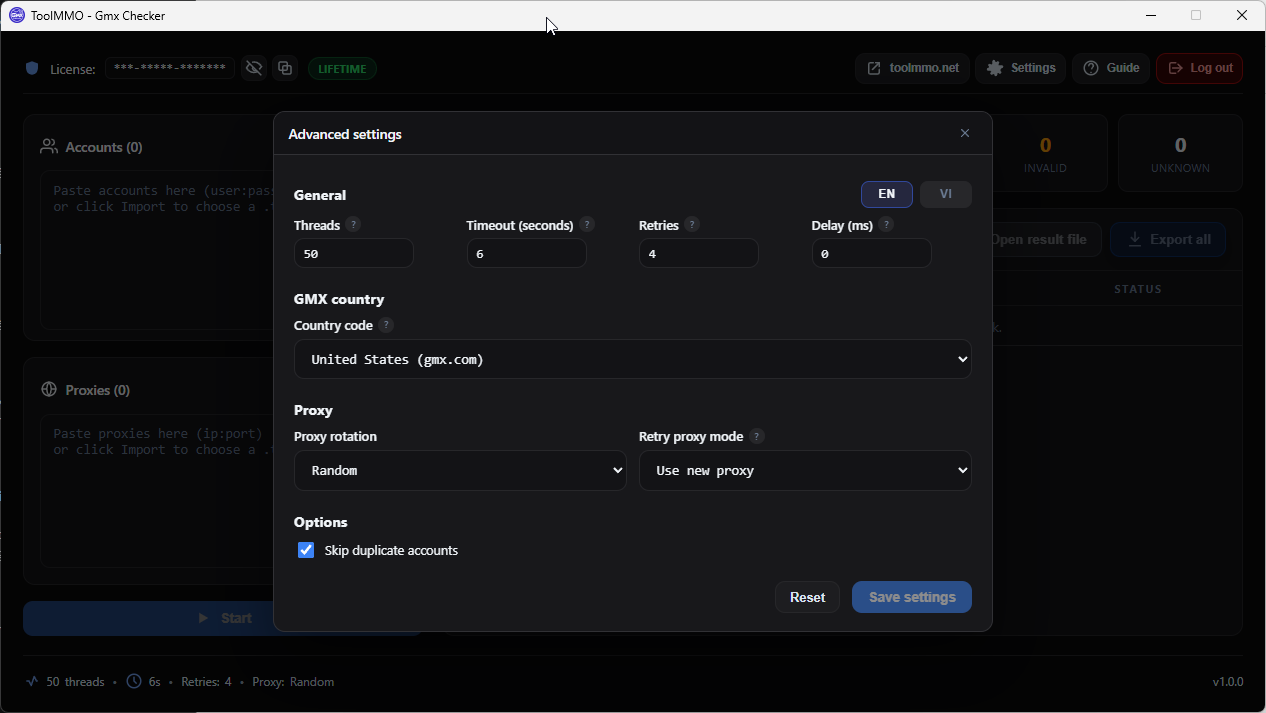
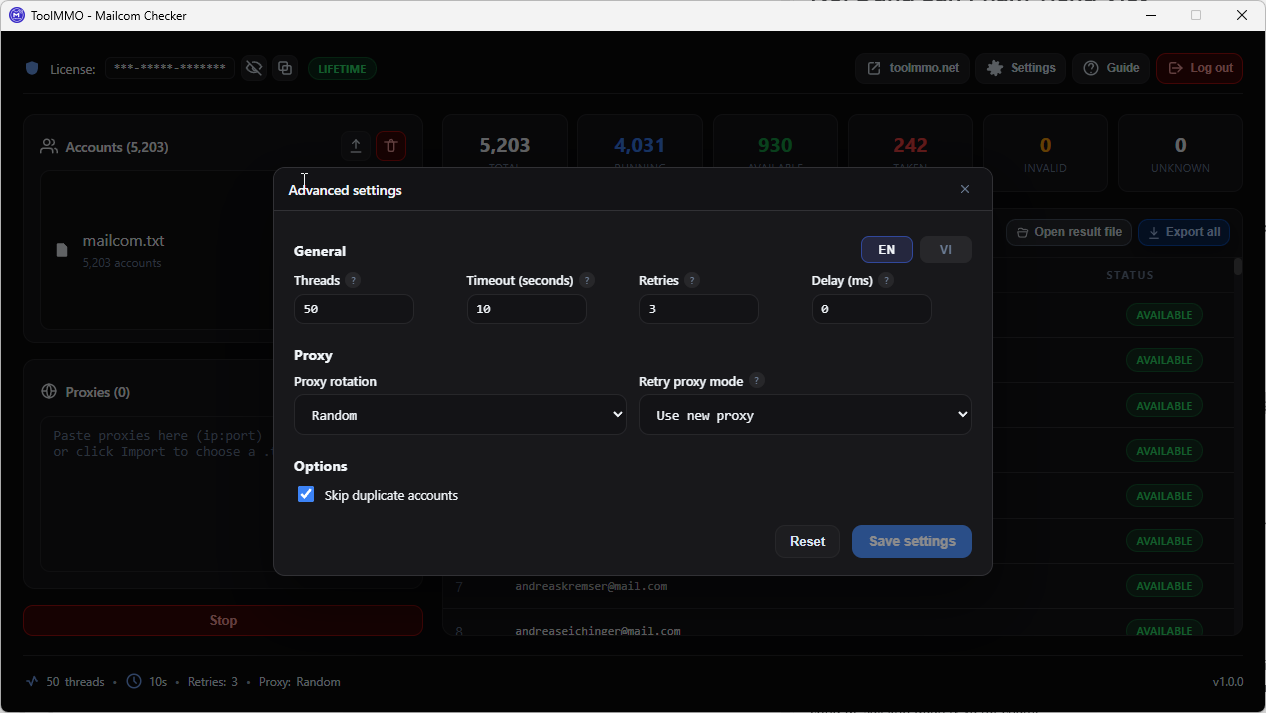
- Fine-grained settings: Adjust timeout, retry count, delay between checks, and proxy retry behavior.
Best For
- Users who need to verify large volumes of @aol.com email accounts for availability.
- Automation teams running bulk checks with proxies and multi-threading.
- Agencies or sellers who need to classify and export AOL account lists by status.
- Developers or testers verifying AOL account status against large datasets.
Not Ideal For
- Checking just one or two accounts (the AOL signup page is faster for that).
- Checking email domains other than @aol.com (only AOL is supported).
- Users without proxies who need to check large volumes (may hit rate limits).
How It Works
Aol Checker operates in 4 steps:
- Import data: Load your AOL account list from a TXT file or paste directly. One account per line.
- Configure proxies: Add a proxy list to avoid AOL rate limiting. Choose rotation mode: random, sequential, or none.
- Adjust settings: Set thread count, timeout, retry count, delay, and toggle duplicate skipping.
- Run and export: Click Start. Results display in real-time. When finished, open or export the result file.
Version 1.0.0: Release
No reviews for this product yet.
Log in to write a review
Please log in to submit a review.
What does this product do?
Aol Checker verifies large batches of @aol.com email accounts to determine whether they are still available (unregistered) or already taken, saving you from checking each one manually on the AOL website.
Who should use it?
Anyone who needs to verify the status of large numbers of AOL accounts: automation teams, agencies, sellers, or developers working with email account data.
Do I need technical skills?
Not much. You need to know how to import a TXT file, configure basic proxy settings, and adjust thread count. The interface is visual and includes a step-by-step guide.
Which platforms are supported?
Currently Windows only. WebView2 runtime is required (usually pre-installed on Windows 10/11).
What does the subscription include?
A license key to activate the software, including version updates during the subscription period. Each license is limited by number of devices.
Is my data and proxy information safe?
Proxies and accounts are processed locally on your machine. Data is only sent to AOL endpoints for checking. The license key is stored encrypted on your device.
Keywords
Comments
Please log in to comment.