Hotmail/Outlook Checker - Bulk Hotmail/Outlook Email Live/Die Checker
Windows desktop software to bulk check Hotmail and Outlook email addresses and sort them into Available (live), Taken (die), Invalid or Unknown, with proxy support, multi-threading and per-group file export.
📦 Choose a rental plan
🔢 Quantity
Solve manual Hotmail/Outlook email checking
You have a long list of Hotmail/Outlook emails and need to know which ones are still available (live), which are already registered (die), and which are malformed. Checking each account manually is slow and impractical for lists of thousands of entries.
What is Hotmail Checker
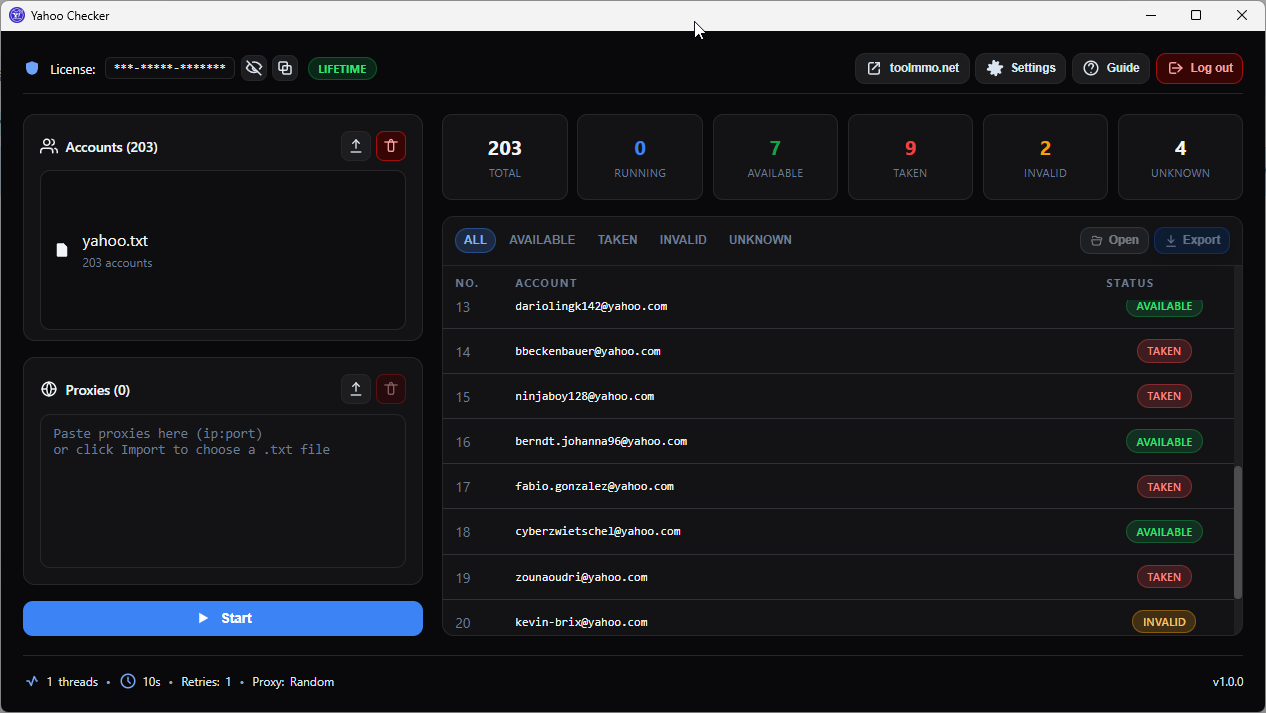
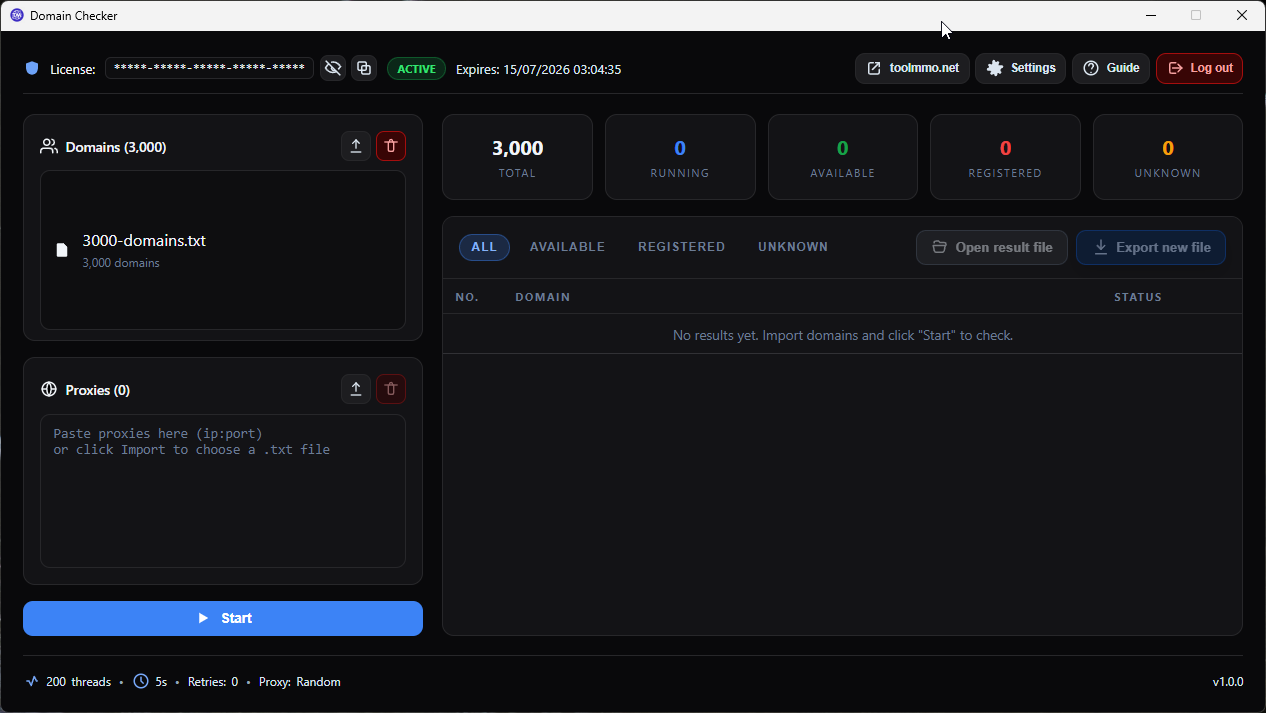
Hotmail Checker is a Windows desktop application that lets you bulk check @hotmail.com and @outlook.com emails in a single run. The tool checks whether each email exists by verifying it against Microsoft's data, then sorts results into four clear groups: Available (still free, live), Taken (already registered, die), Invalid (malformed) and Unknown (undetermined). Results are written to separate files per group, so you grab exactly the list you need without manual filtering.
Key features
- Bulk check Hotmail/Outlook emails: Paste or load a
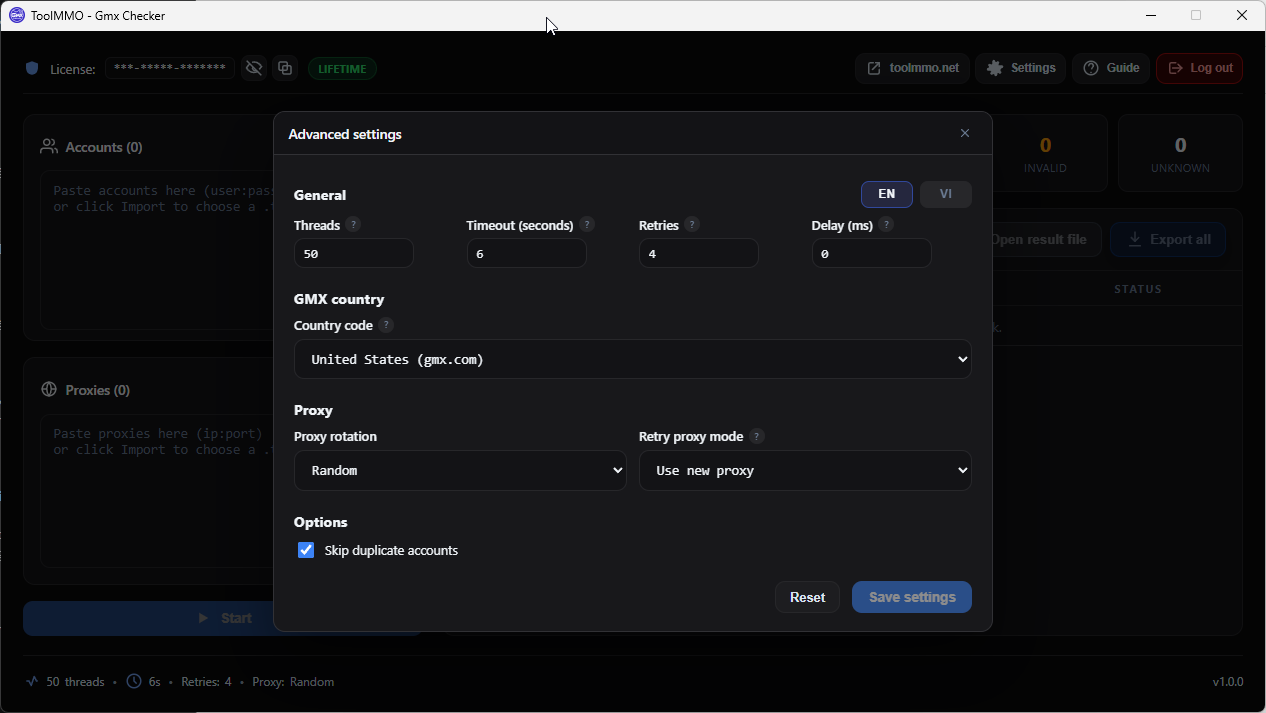
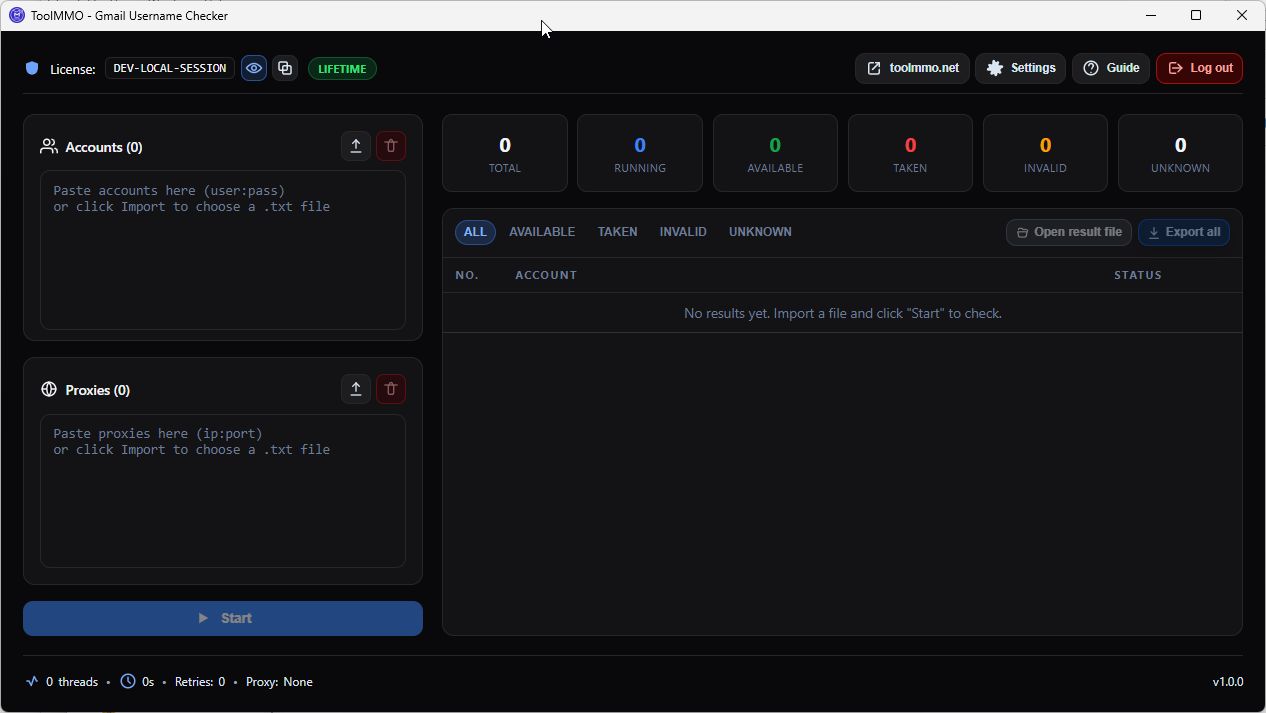
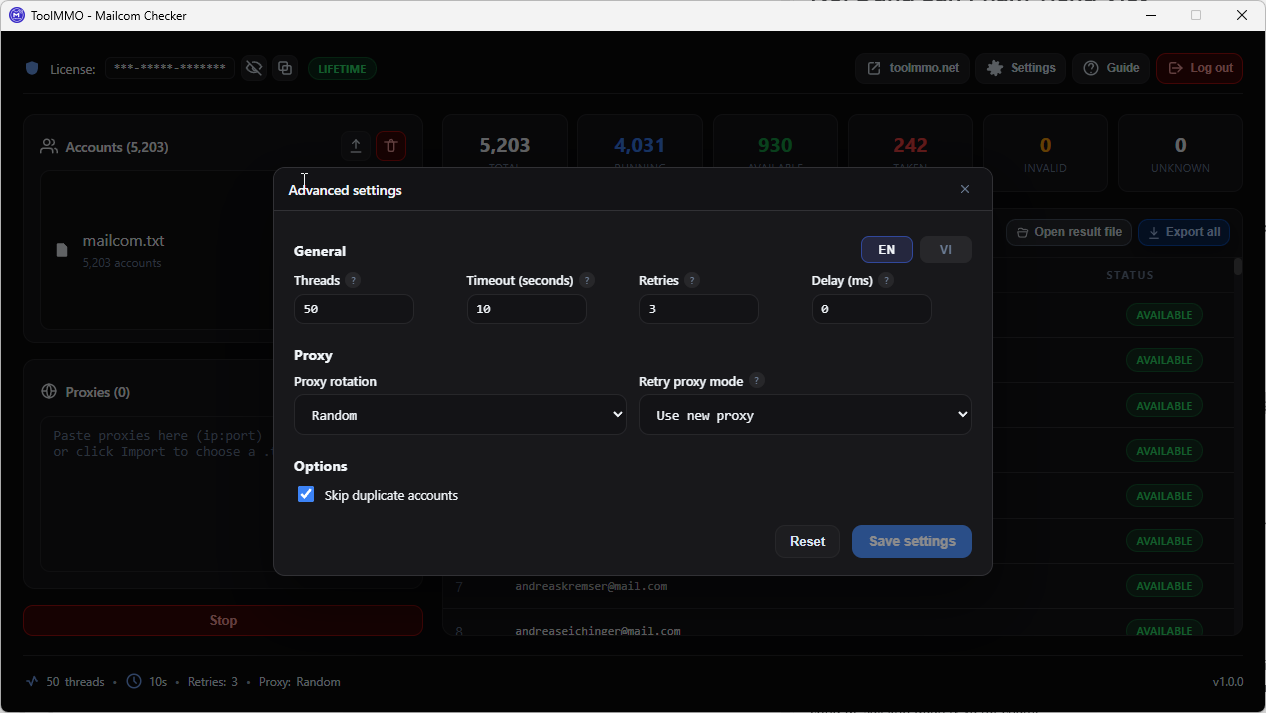
.txtlist of@hotmail.com/@outlook.comaddresses and check email exist status all in one run. - Four status groups: Available (free, live), Taken (registered, die), Invalid (malformed), Unknown (undetermined), each written to its own file.
- Up to 3000 threads: Speed up checking for large lists.
- Rotating proxy support: Use multiple proxies in random or sequential mode, with same-proxy-on-retry option.
- Timeout, retry, delay: Control wait time, retry count and pause between attempts.
- Skip duplicates: Automatically remove duplicate emails from the list.
- Pause - Resume - Stop: Flexible controls without losing progress.
- Session and checkpoint: Reload a previous session to continue where you left off.
- Per-group export: Export Available, Taken, Invalid, Unknown or All lists, and open files directly inside the app.
- Vietnamese and English UI: Switch the interface language; settings are remembered between runs.
Best for
- MMO workers and sellers who need to check email exist and filter Hotmail/Outlook emails that are still live.
- Agencies managing many Microsoft accounts that need to sort large email lists quickly.
- Data handlers who need to split emails into available (live), registered (die) and malformed files.
- Anyone who bought, traded or swapped a Hotmail/Outlook list and wants to know which emails are live or die.
Not ideal for
- Checking email services other than
@hotmail.comand@outlook.com. - Logging into Microsoft accounts or checking passwords.
- Running on macOS or Linux (currently Windows only).
How it works
- Prepare your list: Create a
.txtfile with one@hotmail.comor@outlook.comemail per line, or paste into the app. - Configure: Choose threads, timeout, retry, delay, proxy mode, and skip-duplicates.
- Start checking: Press Start. The app runs multi-threaded and sorts each email into Available, Taken, Invalid or Unknown.
- Monitor progress: Watch counts in real time. Pause, Resume or Stop as needed.
- Get results: Open the output folder with per-group files (
Available.txt,Taken.txt,Invalid.txt,Unknown.txt,All.txt). - Resume a previous session (optional): Reload a previous session to finish remaining items.
Version 1.0.0: Release
No reviews for this product yet.
Log in to write a review
Please log in to submit a review.
What is this product for?
Hotmail Checker bulk checks @hotmail.com and @outlook.com emails and tells you which ones are still free (live), which are already registered (die), and which are malformed. Results are split into separate files per group.
Who should use it?
MMO workers, sellers, agencies and data handlers who need to check email exist status and filter large Hotmail/Outlook email lists by live/die. It works well for lists from a few hundred to several thousand emails.
Do I need technical skills?
No. The interface is straightforward: paste or load your list, pick a thread count and press Start. Advanced options like proxy, retry and delay are available but can be left at defaults.
Which platforms are supported?
Currently Windows desktop (requires WebView2 runtime, usually preinstalled on Windows 10/11). No macOS/Linux build yet.
Do I need a proxy?
Not required, but recommended for large lists to avoid Microsoft rate limits. The tool supports random or sequential proxy rotation and can keep the same proxy on retry.
What does the subscription include?
Monthly license activated on your computer. It includes software usage, updates during the subscription period and technical support. Device limits depend on the plan.
Is my data safe?
Your email list and results stay on your machine. The tool only contacts Microsoft to check email exist status and the license server to validate your license. It does not read your secret files.
Does Hotmail Checker log into accounts?
No. The tool only checks whether an email exists (free or registered). It does not log into accounts and does not need email passwords.
Keywords
Comments
Please log in to comment.